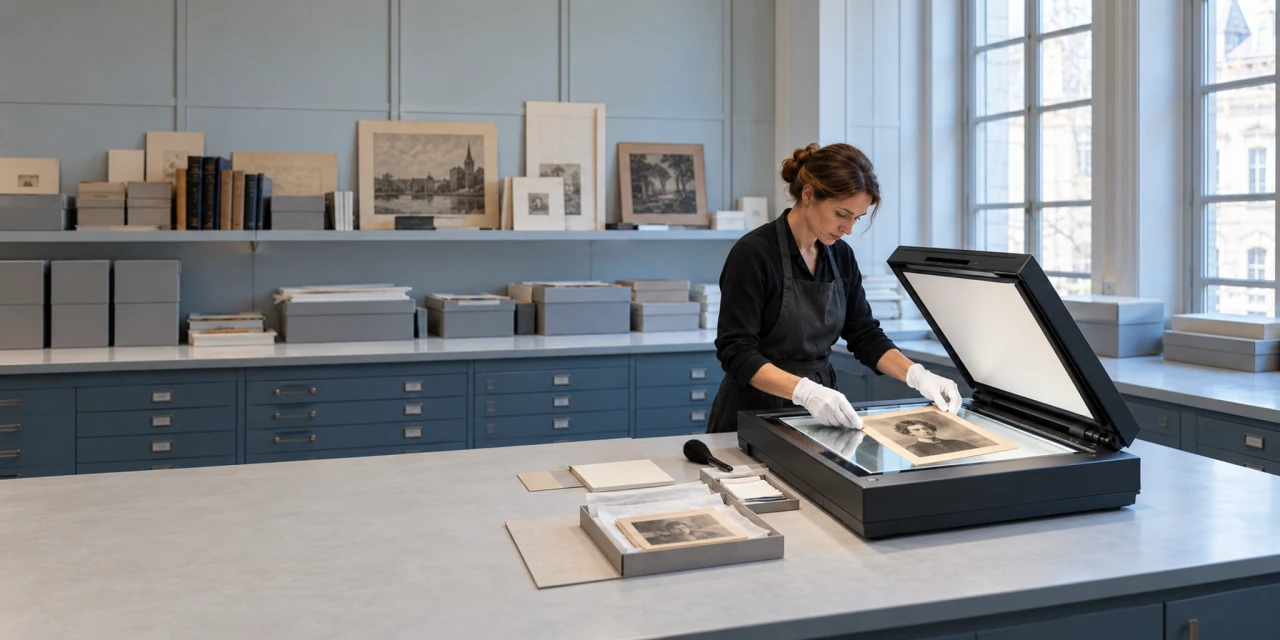
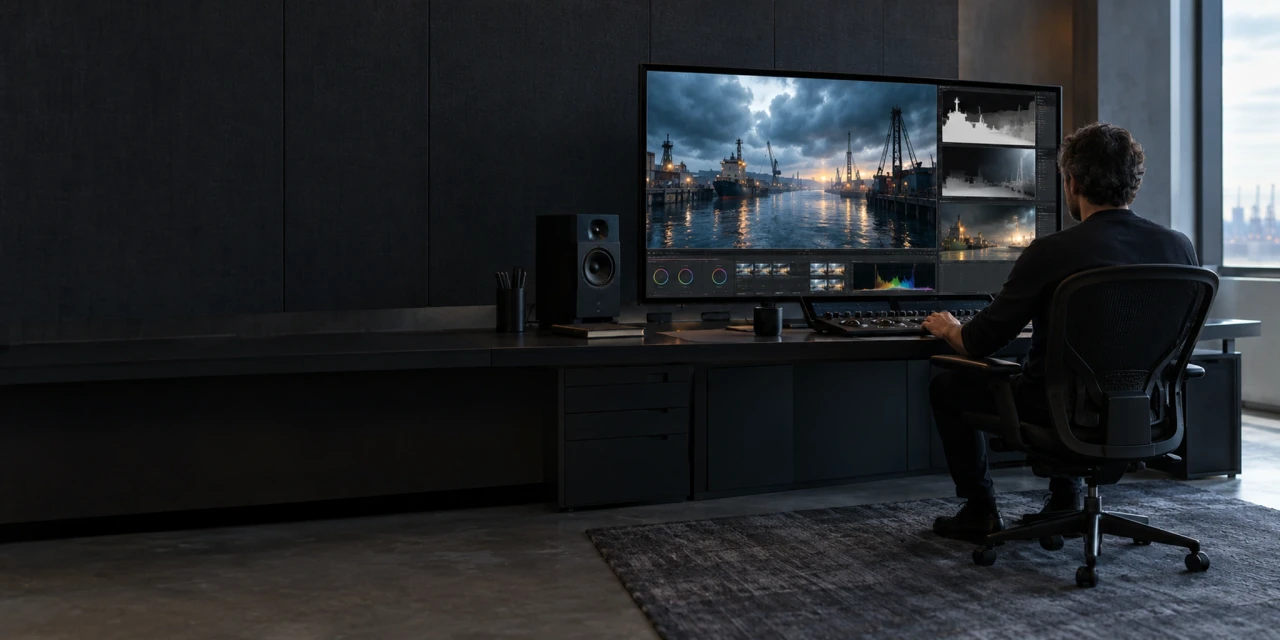
One TIFF page is decoded, defaulting to page 1; another page can be selected. The original multipage container is not preserved.
HDR display encoding
SDR pixels are converted from sRGB to linear EXR; this does not recover HDR detail. EXR V1 accepts single-part scanline RGB/RGBA HALF/FLOAT with linear Rec.709/D65 colour and premultiplied alpha, up to 4 MP. Tiled, deep, multipart, layers and other colour spaces are unsupported. EXR output is HALF RGBA ZIP; EXR editing is unavailable.
Encoding mode
EXR supports lossy and lossless codecs. Choose one for the sample types and required precision; .exr alone does not guarantee exact channel preservation. The format name alone does not guarantee lossless output or a smaller file. WebP, AVIF and JPEG XL offer quality and lossless options; HEIC/HEIF use lossy native HEVC. TIFF and JP2 use their implemented lossless variants. PDF offers JPEG or lossless image embedding.
TIFF
Source
TIFF
Tagged Image File Format
Compression: Depends on variantTransparency: YesMetadata: TIFF tags, Exif, ICC
Tagged raster storage for scanning and image interchange. Compression, sample types and image count depend on the TIFF variant.
EXR fits your delivery use: Render passes & HDR compositing.
You can choose the source image or part needed for delivery.
You need HDR-capable delivery and can validate its encoding and colour signalling.
You need a transparency-capable destination and will check its supported variant.
Probably not when
You require a complete collection, page set or multipart round trip.
You require guaranteed scene-linear values or HDR appearance.
You assume format-level alpha support guarantees matching transparent edges.
You need a guaranteed quality or file size regardless of source and encoder settings.
TIFF to EXR conversion details
Multiple source images
One TIFF page is decoded, defaulting to page 1; another page can be selected. The original multipage container is not preserved.
HDR display encoding
SDR pixels are converted from sRGB to linear EXR; this does not recover HDR detail. EXR V1 accepts single-part scanline RGB/RGBA HALF/FLOAT with linear Rec.709/D65 colour and premultiplied alpha, up to 4 MP. Tiled, deep, multipart, layers and other colour spaces are unsupported. EXR output is HALF RGBA ZIP; EXR editing is unavailable.
Transparency representation
Transparency is carried only by supported source and target variants. SDR paths use 8-bit alpha; EXR uses HALF alpha with premultiplied file samples. GIF reduces alpha to a binary transparent index. HEIC/HEIF output is opaque and auxiliary HEIF alpha input is rejected.
Encoding mode
EXR supports lossy and lossless codecs. Choose one for the sample types and required precision; .exr alone does not guarantee exact channel preservation. The format name alone does not guarantee lossless output or a smaller file. WebP, AVIF and JPEG XL offer quality and lossless options; HEIC/HEIF use lossy native HEVC. TIFF and JP2 use their implemented lossless variants. PDF offers JPEG or lossless image embedding.
Sample precision & colour
SDR pixels are converted from sRGB to linear EXR; this does not recover HDR detail. EXR V1 accepts single-part scanline RGB/RGBA HALF/FLOAT with linear Rec.709/D65 colour and premultiplied alpha, up to 4 MP. Tiled, deep, multipart, layers and other colour spaces are unsupported. EXR output is HALF RGBA ZIP; EXR editing is unavailable.
Metadata & colour
This output writer does not preserve source EXIF, GPS or XMP metadata blocks. Original ICC profiles are not copied. SDR pixels are converted from sRGB to linear EXR; this does not recover HDR detail. EXR V1 accepts single-part scanline RGB/RGBA HALF/FLOAT with linear Rec.709/D65 colour and premultiplied alpha, up to 4 MP. Tiled, deep, multipart, layers and other colour spaces are unsupported. EXR output is HALF RGBA ZIP; EXR editing is unavailable.
Compression
TIFF: Depends on variant → EXR: Lossy & lossless TIFF: TIFF is not intrinsically lossless or uncompressed. Read the Compression, BitsPerSample and SampleFormat tags; decoder support varies across schemes. EXR: EXR supports lossy and lossless codecs. Choose one for the sample types and required precision; .exr alone does not guarantee exact channel preservation.
Conversion keeps the decoded image dimensions unless you edit or resize it. Orientation is applied by supported decoders. ICO fits the image into one selected square size; PDF page layout and rendering DPI are configurable. Device, memory and codec limits still apply.
Metadata
This output writer does not preserve source EXIF, GPS or XMP metadata blocks. Original ICC profiles are not copied.
Common questions
Will every source image be exported?+
One TIFF page is decoded, defaulting to page 1; another page can be selected. The original multipage container is not preserved.
Will HDR automatically survive in EXR?+
SDR pixels are converted from sRGB to linear EXR; this does not recover HDR detail. EXR V1 accepts single-part scanline RGB/RGBA HALF/FLOAT with linear Rec.709/D65 colour and premultiplied alpha, up to 4 MP. Tiled, deep, multipart, layers and other colour spaces are unsupported. EXR output is HALF RGBA ZIP; EXR editing is unavailable.
Which compression mode will EXR use?+
EXR supports lossy and lossless codecs. Choose one for the sample types and required precision; .exr alone does not guarantee exact channel preservation. The format name alone does not guarantee lossless output or a smaller file. WebP, AVIF and JPEG XL offer quality and lossless options; HEIC/HEIF use lossy native HEVC. TIFF and JP2 use their implemented lossless variants. PDF offers JPEG or lossless image embedding.
Are bit depth and colour values guaranteed to match?+
SDR pixels are converted from sRGB to linear EXR; this does not recover HDR detail. EXR V1 accepts single-part scanline RGB/RGBA HALF/FLOAT with linear Rec.709/D65 colour and premultiplied alpha, up to 4 MP. Tiled, deep, multipart, layers and other colour spaces are unsupported. EXR output is HALF RGBA ZIP; EXR editing is unavailable.
Will metadata and colour profiles be retained?+
This output writer does not preserve source EXIF, GPS or XMP metadata blocks. Original ICC profiles are not copied. SDR pixels are converted from sRGB to linear EXR; this does not recover HDR detail. EXR V1 accepts single-part scanline RGB/RGBA HALF/FLOAT with linear Rec.709/D65 colour and premultiplied alpha, up to 4 MP. Tiled, deep, multipart, layers and other colour spaces are unsupported. EXR output is HALF RGBA ZIP; EXR editing is unavailable.