Convert PCX to ICO

Source · PCX
Target · ICO

Drop a PCX file here

or choose files from your device

Advanced options
  • Pixel conversion only. Original EXIF, GPS, XMP and ICC profiles are not copied; processing uses 8-bit display pixels.
  • Creates one square icon. The image is fitted inside it without stretching.

Enable JavaScript to convert files locally.

  • In your browser
  • No upload
  • Private by design

What happens when you convert PCX to ICO?

Icon packaging

Creates one square icon. The image is fitted inside it without stretching.

Transparency

The target can store an alpha channel, but converting an opaque image does not create transparent areas. Removing a background is a separate editing step.

Encoding mode

ICO compression depends on the embedded image payload. Multiple sizes are alternatives, not animation frames; transparency handling differs between old masks and alpha-capable images. The output uses the implemented still-image encoder; file size depends on the pixels and format.

PCX

Source

PCX

ZSoft PC Paintbrush

Compression: LosslessTransparency: NoMetadata: Resolution, Palette information

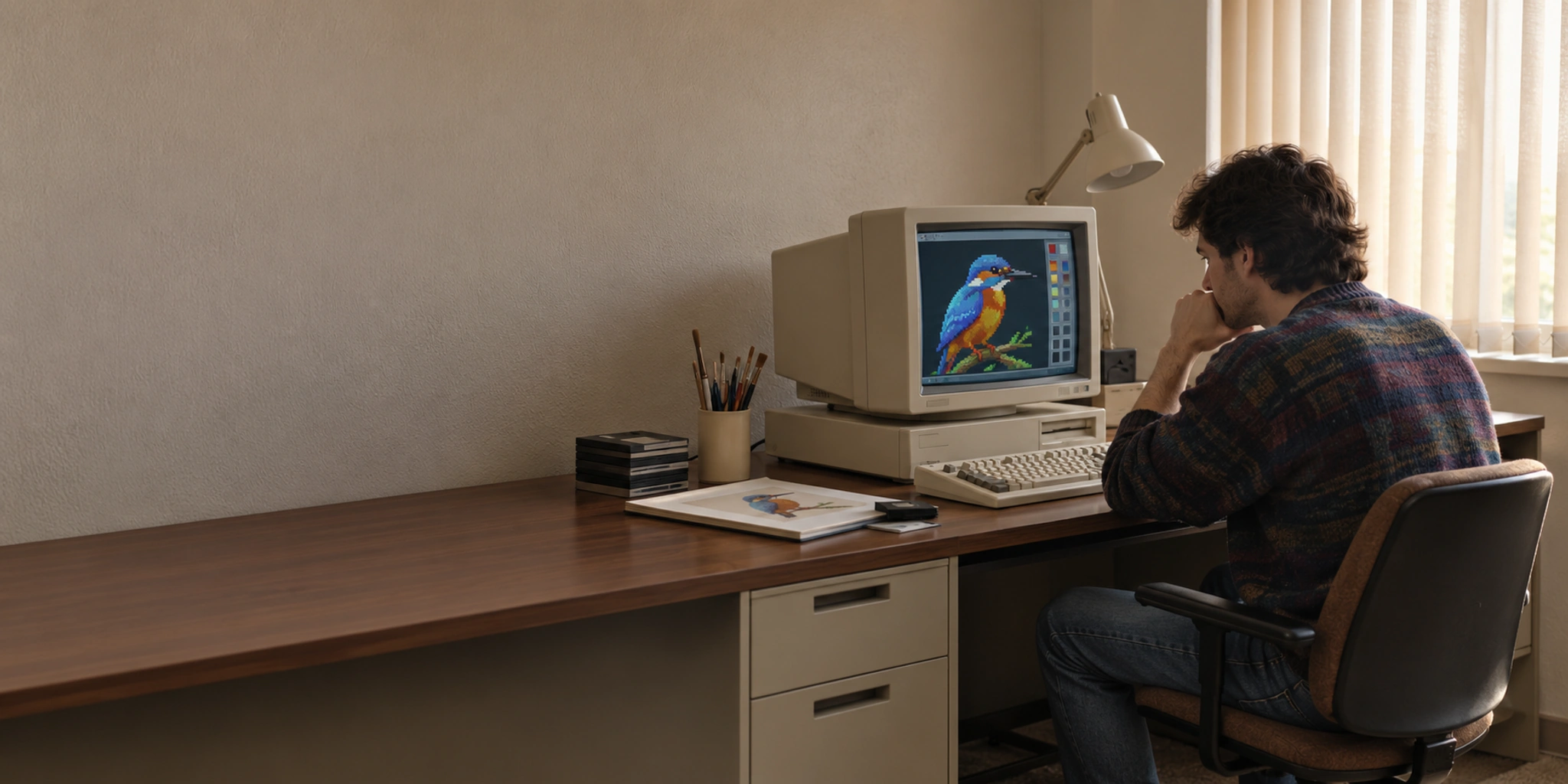
A legacy Paintbrush raster format with planar colour storage and run-length compression.

Explore PCX format →
ICO

Target

ICO

Windows Icon

Compression: Depends on variantTransparency: YesMetadata: Image dimensions, Colour depth

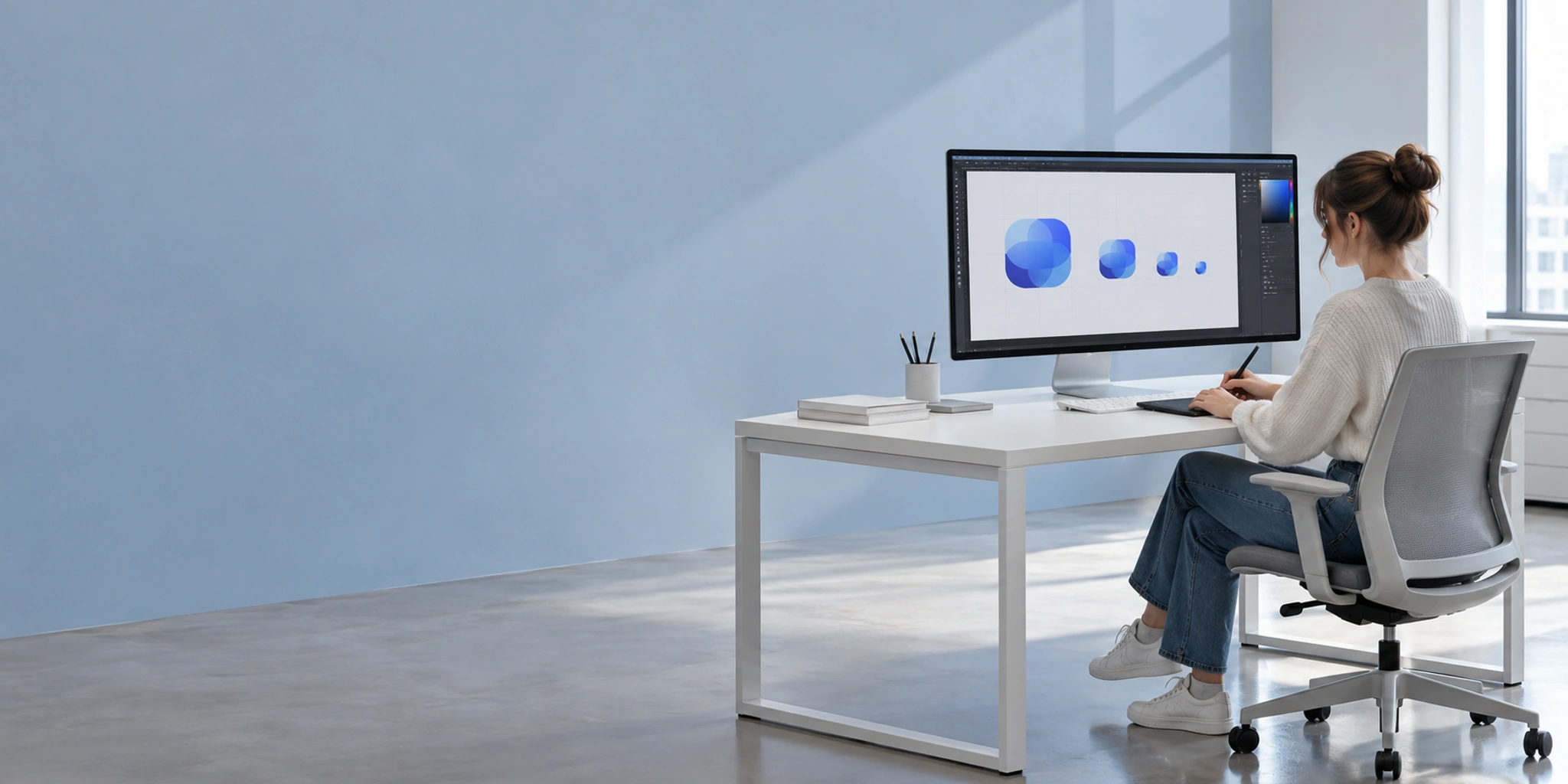
An icon resource containing several raster sizes and colour depths, with masks or alpha for transparency.

Explore ICO format →

Is PCX → ICO right for you?

Good choice when

  • ICO fits your delivery use: Application icons & favicons.
  • You need an icon resource for a compatible application.
  • Your receiving application supports the required ICO variant.
  • You can validate the destination’s sample precision and colour interpretation.
  • You need a ICO-compatible workflow that can hold transparency added in a separate edit.

Probably not when

  • You need automatic icon design or guaranteed multi-size packaging.
  • You need a guaranteed output file size or archival pixel equality. Encoder settings do not guarantee either.
  • You require identical samples without a defined colour and precision policy.
  • You expect automatic background removal or transparency.

PCX to ICO conversion details

Icon packaging
Creates one square icon. The image is fitted inside it without stretching.
Transparency
The target can store an alpha channel, but converting an opaque image does not create transparent areas. Removing a background is a separate editing step.
Encoding mode
ICO compression depends on the embedded image payload. Multiple sizes are alternatives, not animation frames; transparency handling differs between old masks and alpha-capable images. The output uses the implemented still-image encoder; file size depends on the pixels and format.
Sample precision & colour
Pixel conversion only. Original EXIF, GPS, XMP and ICC profiles are not copied; processing uses 8-bit display pixels.
Metadata & colour
Pixel conversion only. Original EXIF, GPS, XMP and ICC profiles are not copied; processing uses 8-bit display pixels.
Compression
PCX: Lossless → ICO: Depends on variant PCX: PCX RLE is lossless for stored samples. Palette reduction is a separate potentially lossy step; colour planes are channels, not editable composition layers. ICO: ICO compression depends on the embedded image payload. Multiple sizes are alternatives, not animation frames; transparency handling differs between old masks and alpha-capable images.
Transparency
Transparency is replaced with white by default. Change the background in Advanced options.
Colour depth
PCX: Palette or 24-bit RGB
Multiple images
ICO: Alternative icon sizes
Dimensions
Creates one square icon. The image is fitted inside it without stretching.
Metadata
Pixel conversion only. Original EXIF, GPS, XMP and ICC profiles are not copied; processing uses 8-bit display pixels.

Common questions

Will ICO automatically create all icon sizes?

Creates one square icon. The image is fitted inside it without stretching.
Will the background become transparent?

The target can store an alpha channel, but converting an opaque image does not create transparent areas. Removing a background is a separate editing step.

Which compression mode will ICO use?

ICO compression depends on the embedded image payload. Multiple sizes are alternatives, not animation frames; transparency handling differs between old masks and alpha-capable images. The output uses the implemented still-image encoder; file size depends on the pixels and format.

Are bit depth and colour values guaranteed to match?

Pixel conversion only. Original EXIF, GPS, XMP and ICC profiles are not copied; processing uses 8-bit display pixels.

Will metadata and colour profiles be retained?

Pixel conversion only. Original EXIF, GPS, XMP and ICC profiles are not copied; processing uses 8-bit display pixels.